
Opera
Opera is a free web browser for Windows from Opera Software. The stable release is 136.0.6008.22, published on 17 September 2026.
133.1 MB

Opera Beta was the preview channel of the Opera browser for Windows; Opera retired it in January 2026 and now tests new features through Early Bird mode in Opera One.
Average 0.0 · ratings: 0
Thank you! Your rating is saved; you can change it. Could not save the rating. Please try again later. Too many ratings from your network today. Please try again tomorrow. The average appears after 5 ratings.
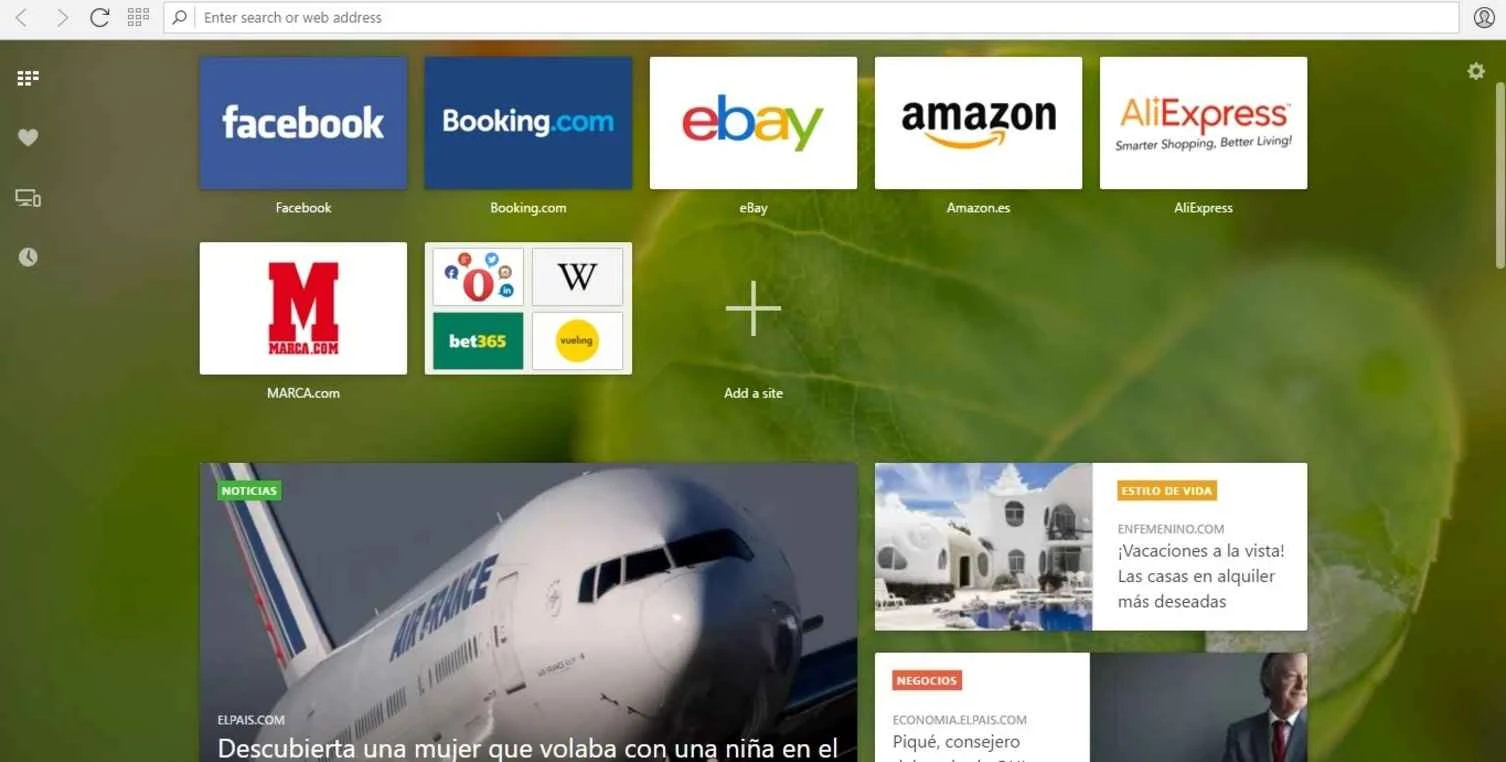
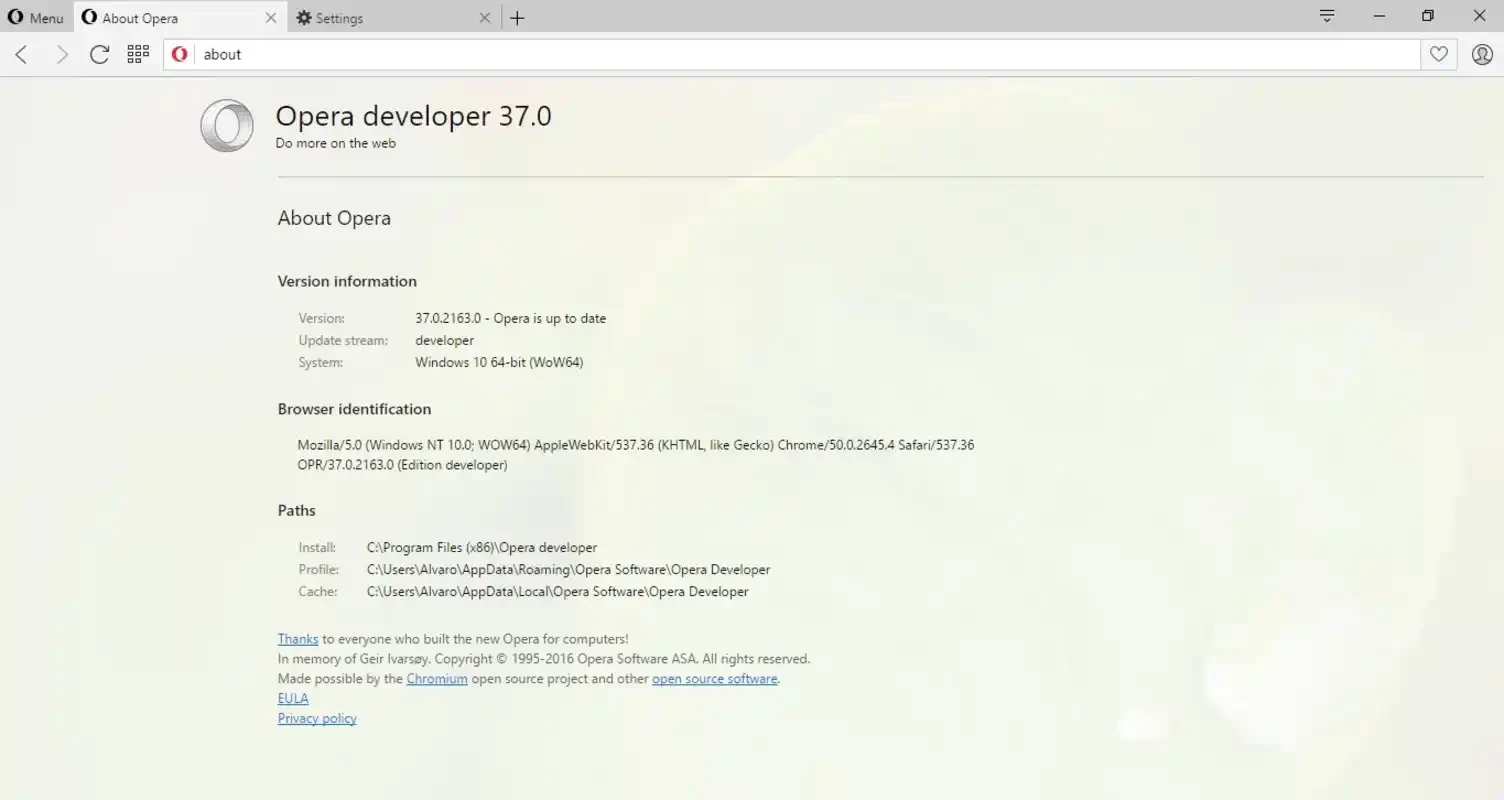
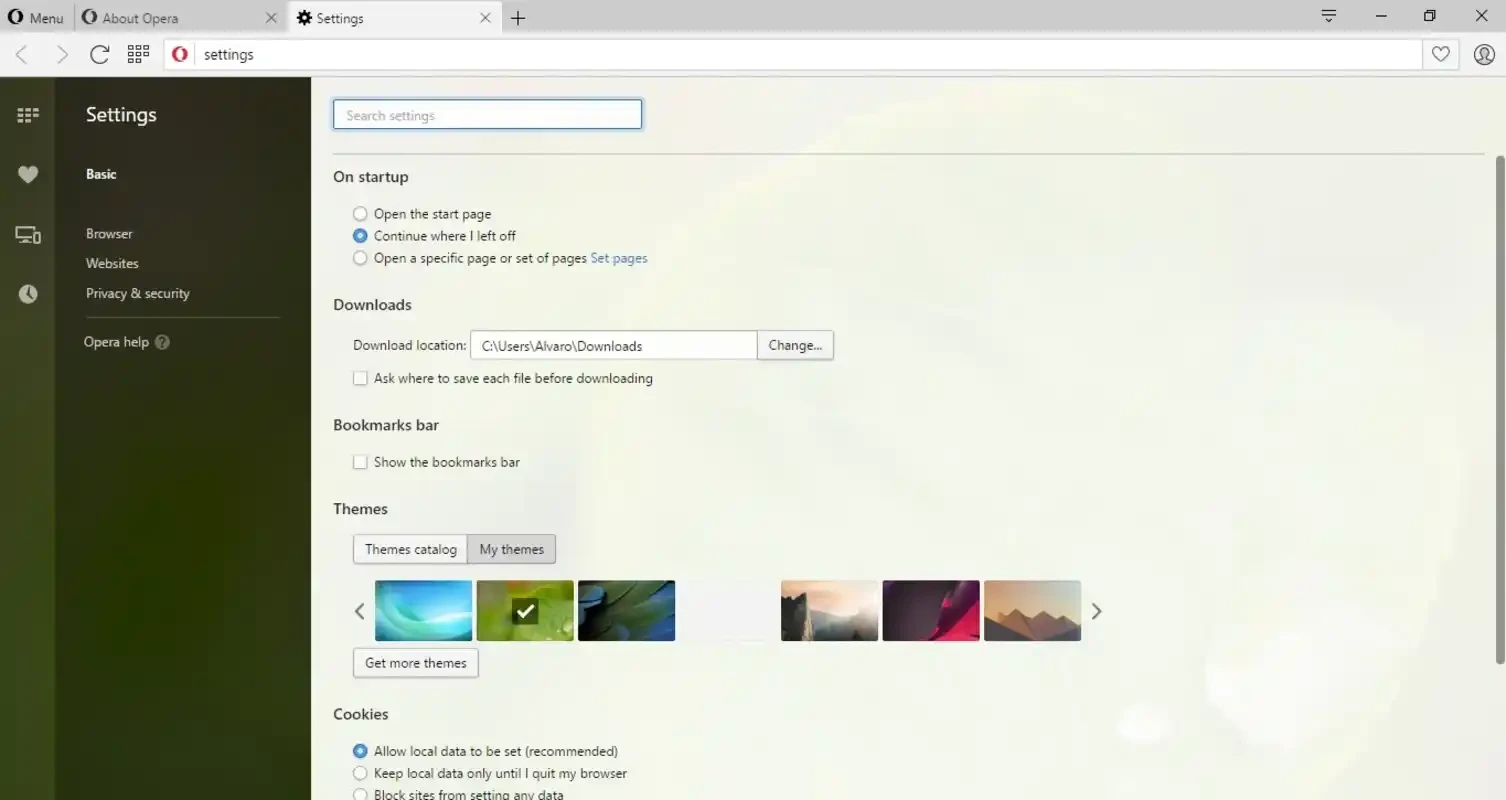
Opera Beta was the preview channel of Opera Software's web browser for Windows. Opera retired the Beta channel on 14 January 2026: build 126.0.5750.30, described in Opera's beta update post, was the final Beta, and early features now arrive through Early Bird mode in the regular Opera One browser. For a supported browser, download stable Opera from the official site.
| Item | Details |
|---|---|
| Developer | Opera Software |
| Final Beta build | 126.0.5750.30 |
| Status | discontinued on 14 January 2026; successor: Opera |
| Opera founded | 10 April 1995 |
| Windows | Windows 10 or later |
| Processor | Intel Pentium 4 / AMD Athlon 64 or newer with SSE2 |
| Other systems | macOS 12 or later; 64-bit Ubuntu 18.04+, Debian 10+, openSUSE 15.2+, Fedora 32+ |
| Licence | freeware |
| Size | about 129.64 MB according to catalogue data |
Opera used to release its desktop browser through three channels. Developer builds got experimental features first, Beta received the functions that were almost ready, and Stable is what most users run. Opera Beta therefore showed what the next stable version would bring, while being more reliable than the developer builds. Recent Opera versions have added things like an AI assistant in the sidebar, tab islands that group related tabs automatically, a built-in free VPN, an ad blocker, messengers docked in the sidebar and a music player. New ideas used to land in Beta before they were polished for everyone; now Early Bird mode in Opera One plays that role. Opera Beta installs next to regular Opera with its own profile, so you can test it without touching your main browser data. It uses the Chromium engine, so most Chrome extensions work too.
Opera's requirements page lists the supported systems.
Beta builds may crash or break certain sites. The built-in VPN is a browser proxy, not a full system VPN, and hides your IP only for traffic inside Opera. Download only from opera.com.
Opera Beta suited people who liked Opera and wanted to see changes early, web developers checking their sites in the next version, and users who enjoy giving feedback; Early Bird mode in Opera One now serves them. If you need a browser that never surprises you, stay on the stable channel and let others find the bugs first.
Opera Beta was free, and so is stable Opera.
The stable Opera, the direct successor of Opera Beta, is on our site, together with other preview browsers: Google Chrome Beta, Google Chrome Dev and Firefox Developer Edition.
Opera is a free web browser for Windows from Opera Software. The stable release is 136.0.6008.22, published on 17 September 2026.

UC Browser for Windows is the desktop version of the web browser from UCWeb, a Chinese mobile internet company.

Google Translate is Google's multilingual machine translation service, used on Windows through the website and a browser extension.

Microsoft Edge is Microsoft's web browser, preinstalled on current Windows versions and available as a free download for reinstalling or updating.

Mozilla Firefox is a free and open-source web browser developed by Mozilla, available for Windows, macOS, Linux, Android and iOS.

Google Chrome is the free web browser from Google. The stable Windows release is 154.0.8037.58, out since 22 September 2026.

Cent Browser is a free Chromium-based browser for Windows from Cent Studio that adds mouse gestures, tab tweaks and other power-user options.